

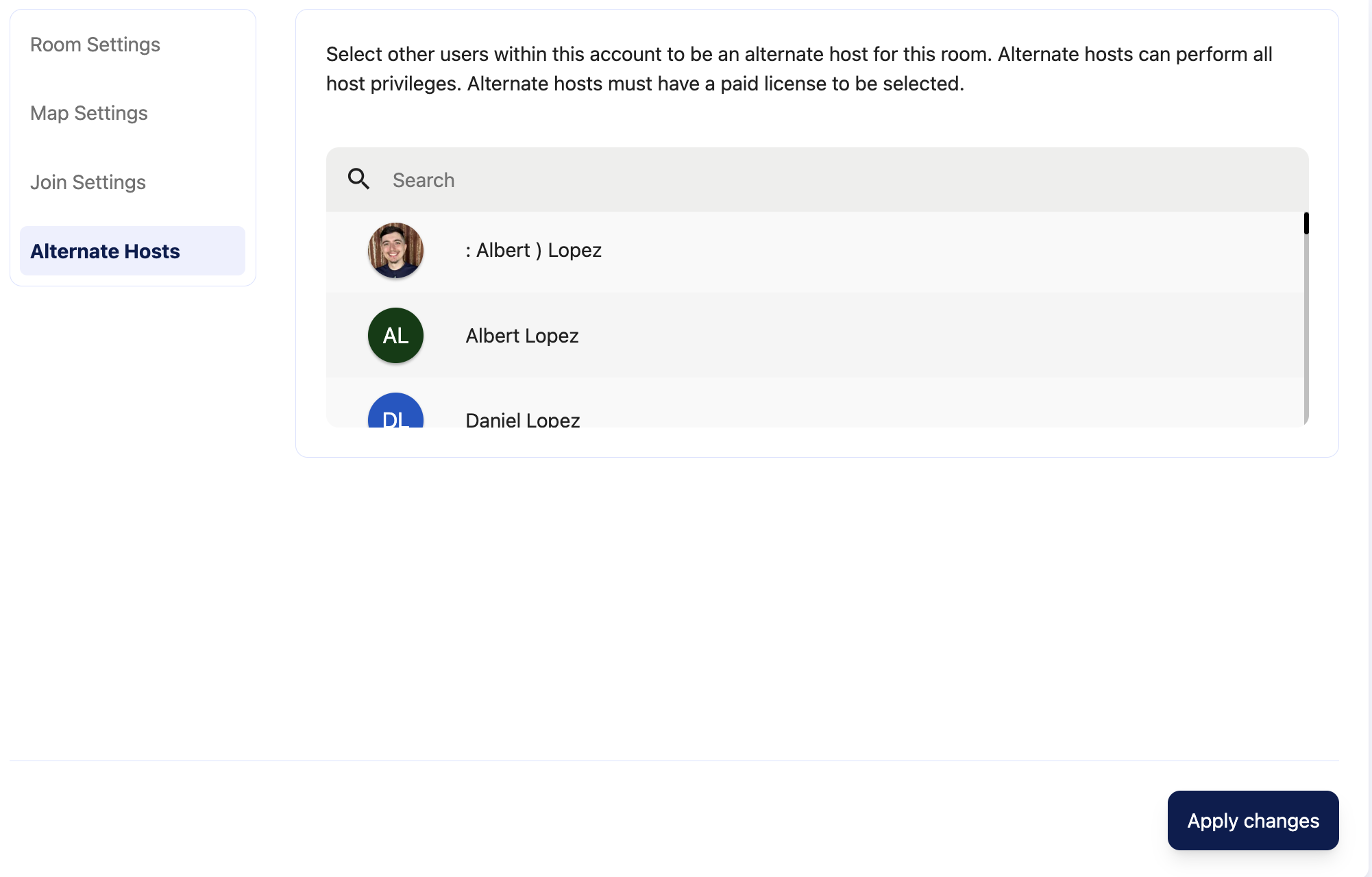
Add alternate hosts
- On Scoot Home, open your Scootaverse.
- Select Settings in the side menu, then the Alternate Hosts tab.
- In the Search field, type the name of a user in your account and select them. Each selected user appears as a chip. Remove a chip to remove that alternate host.
- Click Apply changes.
Why use alternate hosts
- Start the session: someone else can open the room if the original host is late or absent.
- Share host controls: a trusted user gets full host privileges to help run the session.
- Backup: if the main host loses connection, an alternate host can take over.
- Large events: split hosting tasks across several people.