

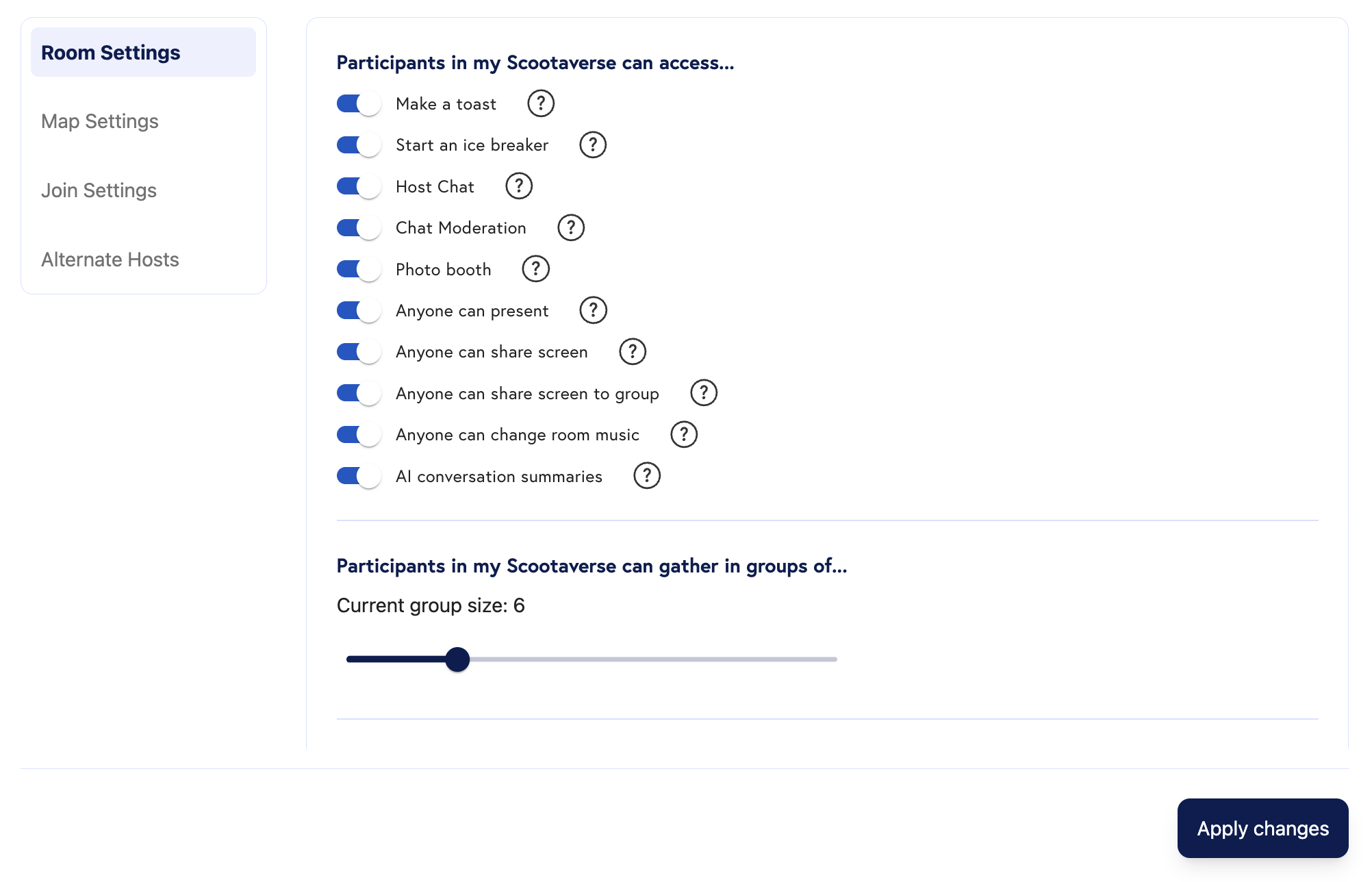
By going to your Room Settings while creating a Room, you can select the features you want to enable or disable for your Participants
Room Settings
When Creating a Room in your Scootaverse, Click into the Settings Tab on the left-hand portion of the screen. This will take you to our Settings Page, where you can select your desired participatn permissions in the room, meeting -wide recording, user join settings, and alternate hosts. These settings include the ability for your participants to:- Make a Toast
- Start an Ice Breaker
- Share their Screen
- Share their Screen to a Group
- Present to everyone
- Enable Chat Moderation
- Enable Host Chat
- Use the Photo Booth
- Change the room music
- Enable AI Summaries
- Record the entire meeting
- Update maximum group size.