

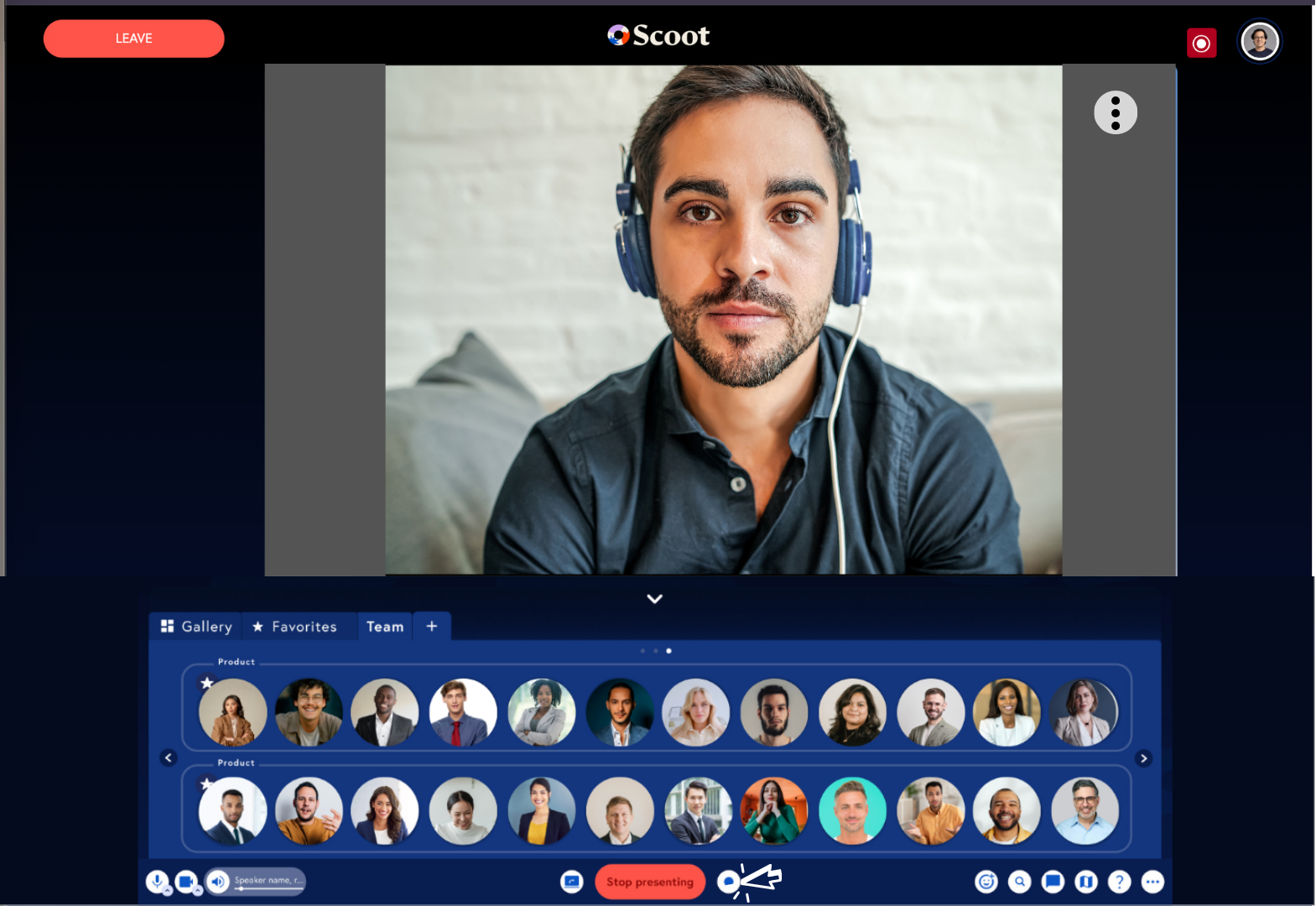
Start recording
- Start or join a presentation as a host or presenter.
- Open the options menu and click Record Presentation, or click the record button in the toolbar (tooltip Record).
Stop recording
Open the options menu and click End Recording, or click the record button in the toolbar again (tooltip End Recording).When recording is unavailable
The record option is disabled, with an explanation, in these cases:- “Recording is not currently supported in this region.”
- “Meeting wide recording in progress. Recording cannot be turned off at this time.” The whole meeting is already being recorded, so a separate presentation recording isn’t needed.