

Favoriting allows you to mark and organize individuals you find intriguing or wish to connect with later, enriching your networking opportunities within the Scoot platform.
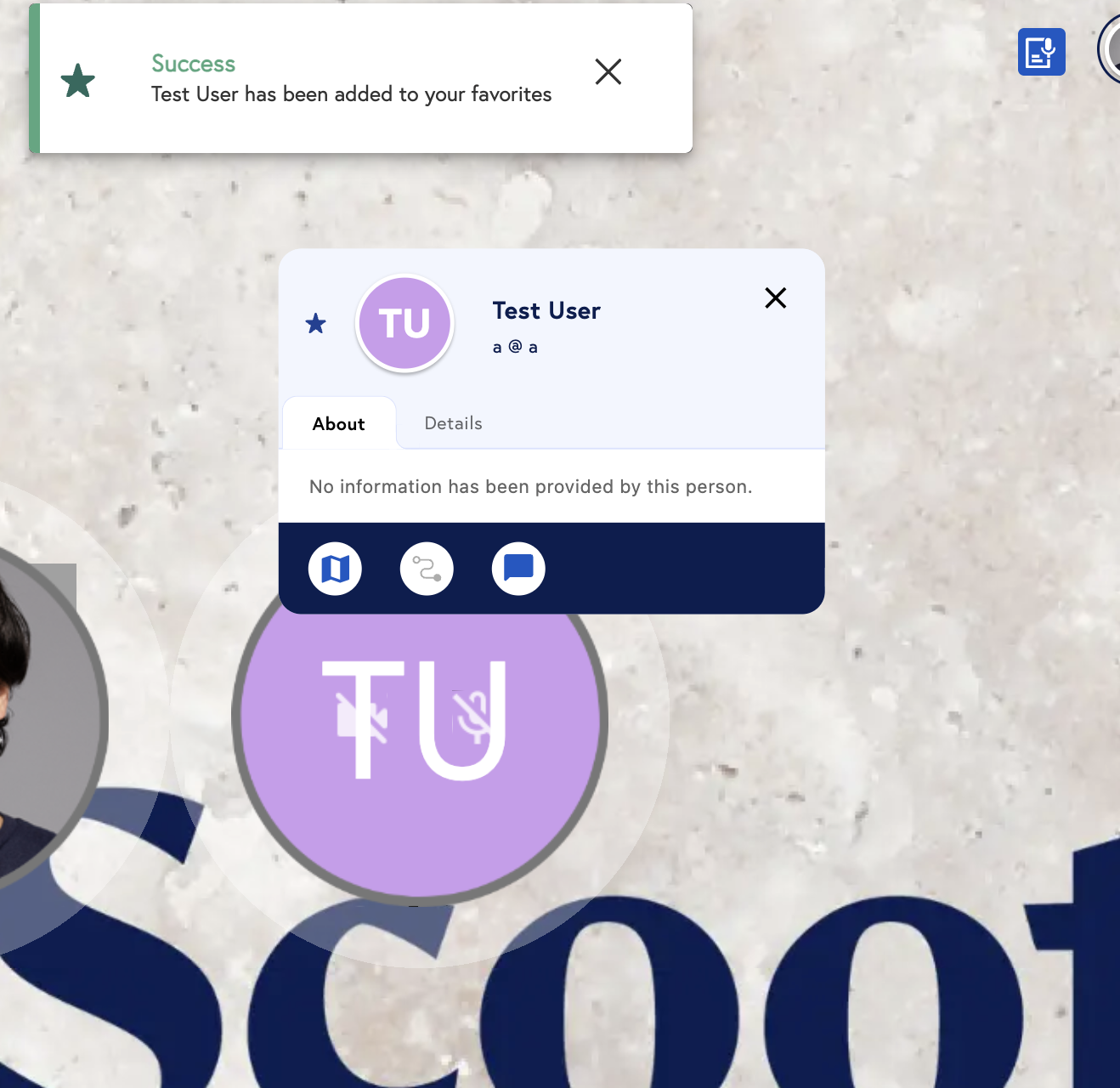
During Mingle Mode:
- Identify and Select : As you navigate through Scoot, whether in a virtual room or during a presentation, keep an eye out for individuals who catch your interest.
- Click the Star Icon : Next to each person’s name, you’ll find a star icon. Clicking this icon adds them to your favorites. You’ll know they’ve been successfully added when the star icon fills in, serving as a visual confirmation of your selection.
During Presentations:
- Accessing Favorites : Your favorited individuals are automatically grouped under a separate “Favorites” tab within your gallery. This is particularly useful during presentations, offering an uncluttered view and focusing your attention solely on those you’ve marked as favorites.
- Why It Matters : This organization feature ensures you do not miss out on engaging with key individuals, making your networking experience on Scoot more efficient and targeted.