

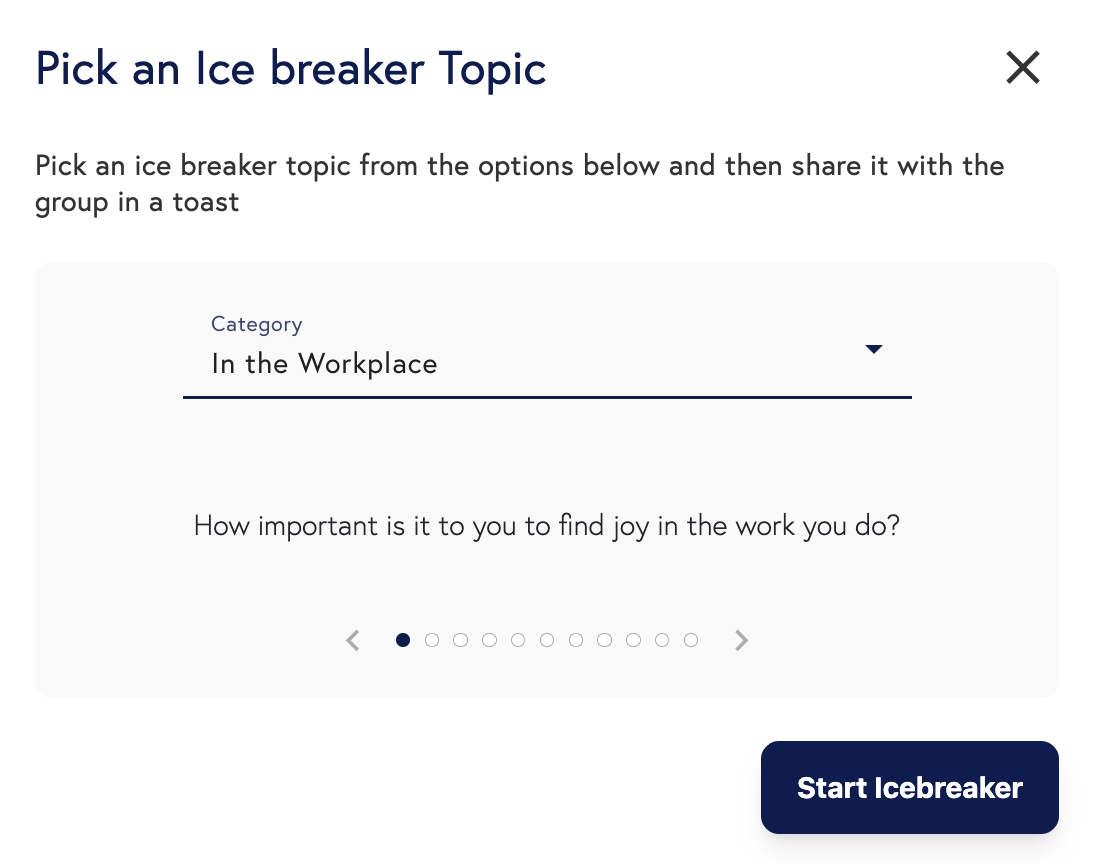
Scoot’s Ice Breaker feature allows anyone to start structured discussions by selecting or creating a prompt, introducing it to the room via a temporary broadcast (like a Toast), and then displaying the prompt text for group interaction.
 Use this feature to lead your team’s brainstorms or provoke thoughtful discussions.
Anyone in the room can start an ice breaker, and the host can end anyone’s ice breaker at any time.
An ice breaker has three parts: choosing/creating the prompt, introducing the prompt (here’s where you can give any necessary instructions, like “break up in groups of three and discuss the following prompt”), and displaying the ice breaker to the group for the discussion portion. To learn the specifics of how to start and end an ice breaker, keep reading below.
Use this feature to lead your team’s brainstorms or provoke thoughtful discussions.
Anyone in the room can start an ice breaker, and the host can end anyone’s ice breaker at any time.
An ice breaker has three parts: choosing/creating the prompt, introducing the prompt (here’s where you can give any necessary instructions, like “break up in groups of three and discuss the following prompt”), and displaying the ice breaker to the group for the discussion portion. To learn the specifics of how to start and end an ice breaker, keep reading below.