

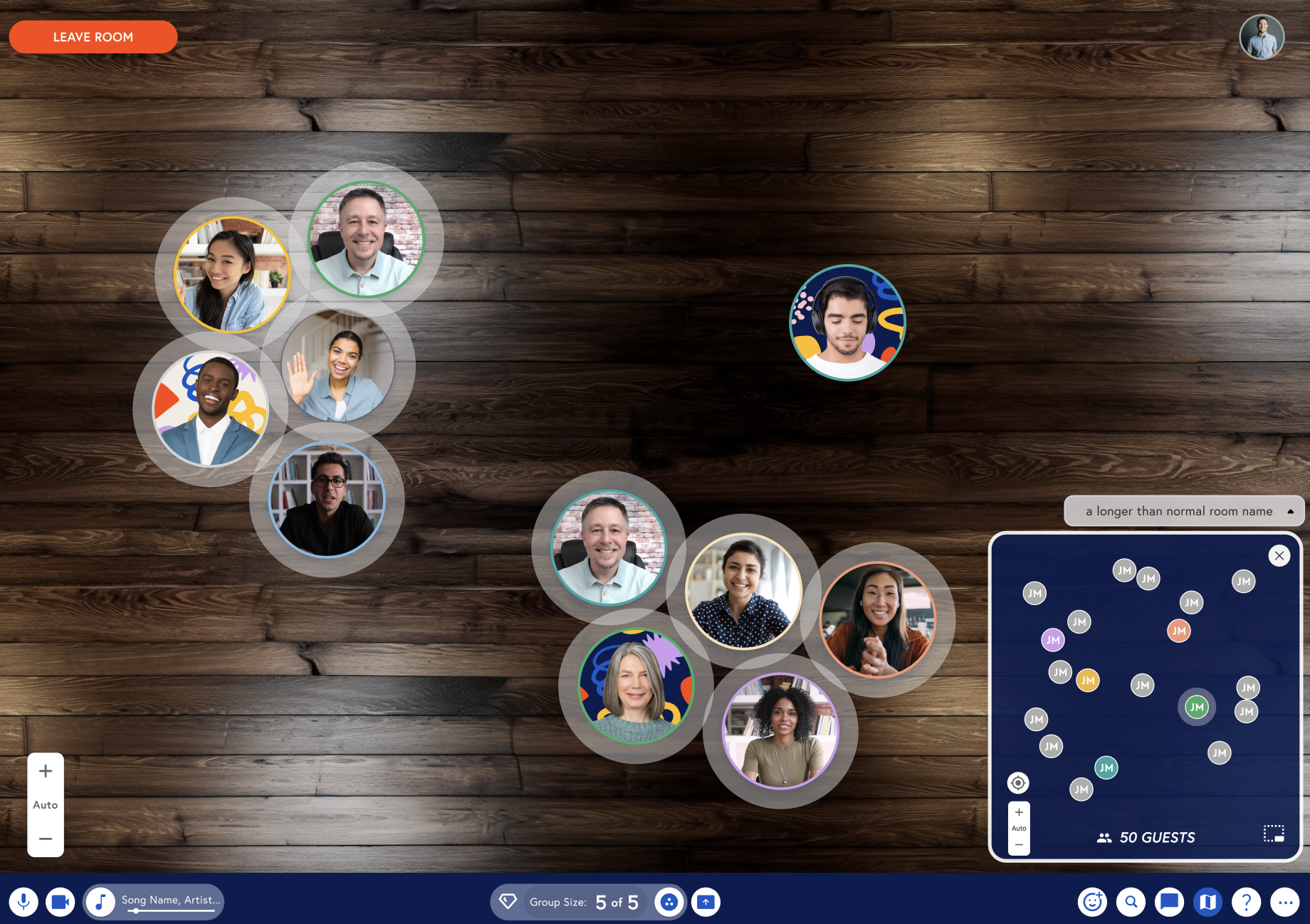
How groups form
Groups form on their own as you move closer to other people, the same way conversations form in a physical room. A ring appears around each person’s bubble in your group, and your view adjusts so everyone in the group is visible at once.Set the maximum group size (hosts)
Hosts choose how many people can be in one group, from 2 to 20. The default is 10.- In Scoot Home, open your Scootaverse and select Settings.
- In Room Settings, find Participants in my Scootaverse can gather in groups of….
- Drag the slider to the size you want. The current value shows as Current group size.
- Click Apply changes.