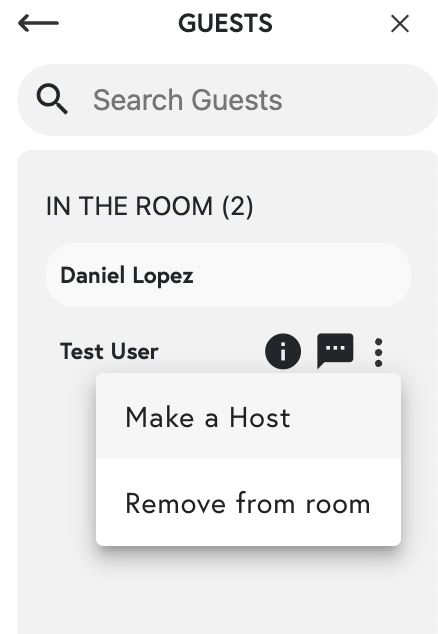
To make another guest a temporary host in Scoot, navigate to the Guest List, select the user, and click the “Make a Host” button. Keep in mind that this person will retain host privileges for the duration of the current room session.
To make another guest a Host, go to your Guest List. Then, select the user you want to make a HostOnce you have clicked on the Make a Host button, you’re all set!Please keep in mind that when you make someone a Host, they will remain a Host in the room until the room has closed.