

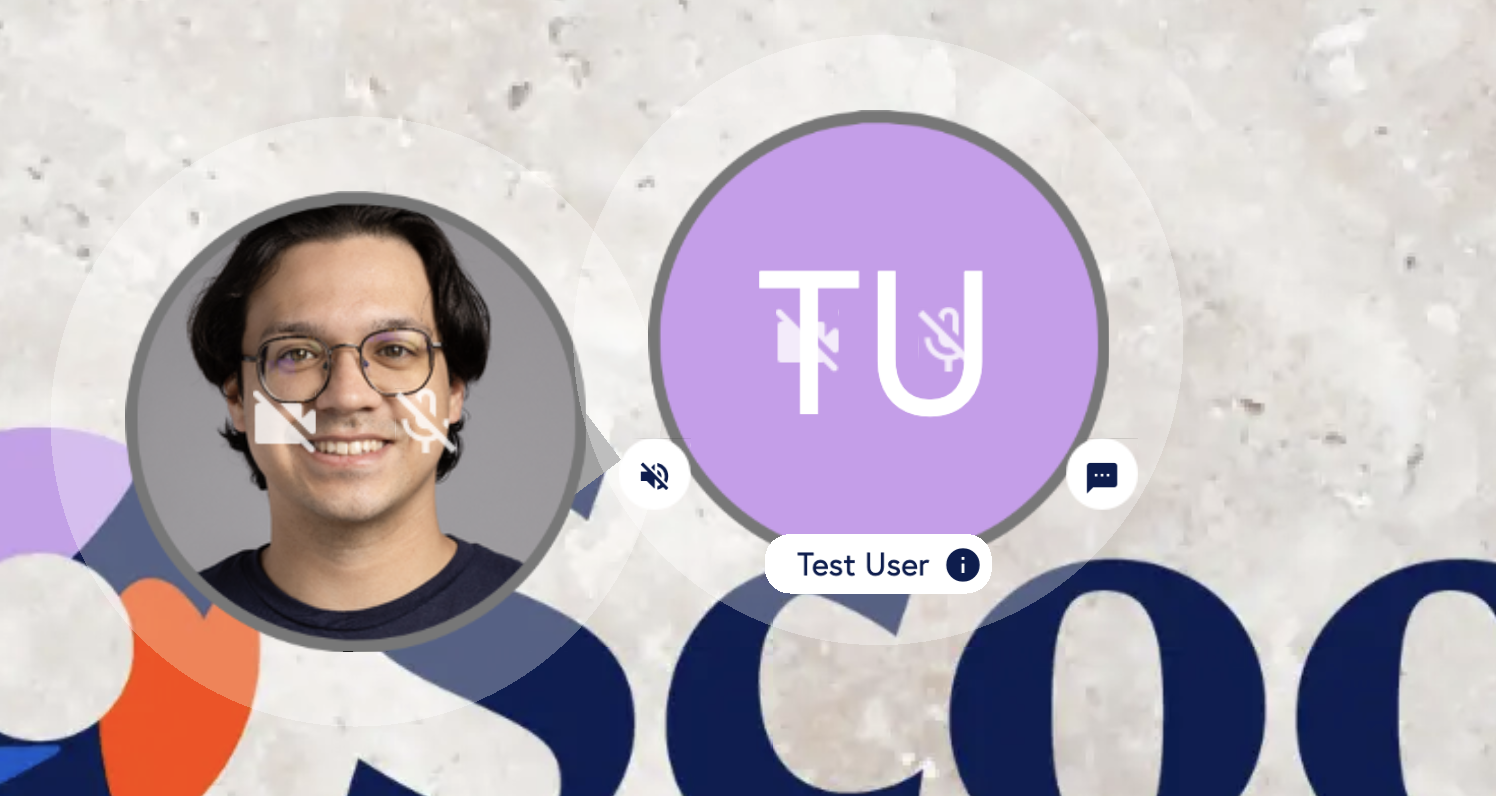
- Mute someone’s audio: hover over their video bubble and click the microphone icon. Click it again to hear them.
- Hide someone’s video: hover over their video bubble and click the video icon. You’ll see their profile picture instead of their video. Click the icon again to show their video.