

How AI Meeting Summaries Work
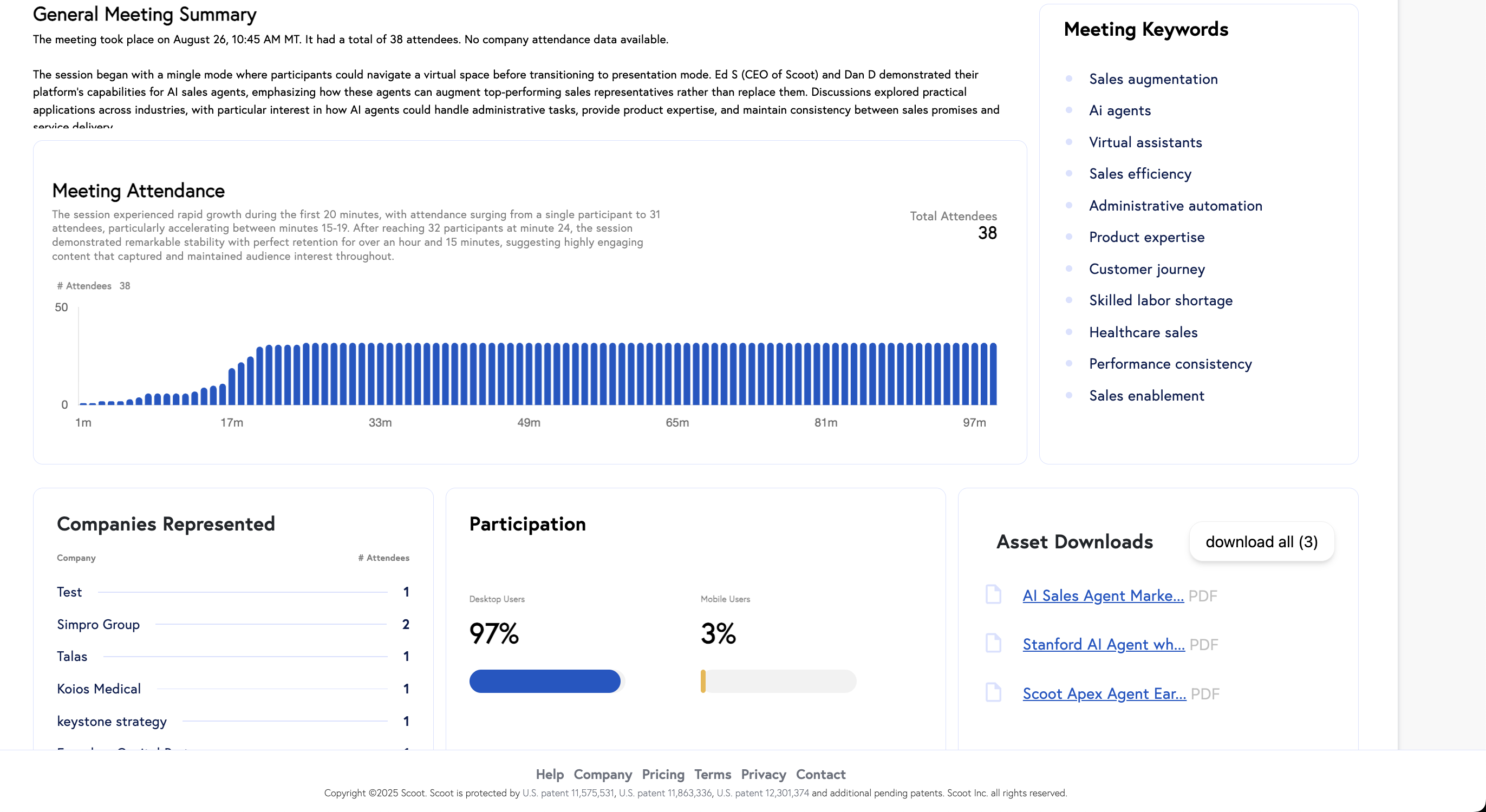
AI Meeting Summaries record and transcribe conversations to produce key discussion points, decisions made, and action items. Even if transcription is turned off, you’ll receive a simplified summary with essential information.For Meeting Hosts
As a Scootaverse host, you have access to comprehensive summary tools.- Enabling AI Summaries: During your meeting setup, simply toggle the ” AI Summaries” option to “On.”
-
Accessing Host Summaries: After your meeting, go to your dedicated Summaries Dashboard. You’ll find a list of all your past meetings. Click on any meeting to view its AI-generated summary, which includes:
- Key discussion points
- Decisions made
- Action items
- Viewing Attendee Summaries: To see individual attendee perspectives, click ” View All Attendees” from the Host Summary. This allows you to access personalized summaries for each participant, helping you understand their takeaways and ensure alignment.
For Meeting Attendees
Attendees also benefit from personalized AI-generated summaries.- Receiving Your Summary: After leaving a Scoot meeting, you will receive a prompt to view your personalized AI-generated summary.
- Email Delivery: If it’s your first time, you’ll be asked to provide your email address. Your summary will then be delivered directly to your inbox, making it easy to review key points quickly.
Scoot’s AI Meeting Summaries enhance productivity and collaboration by providing hosts with powerful management tools and attendees with personalized recaps.