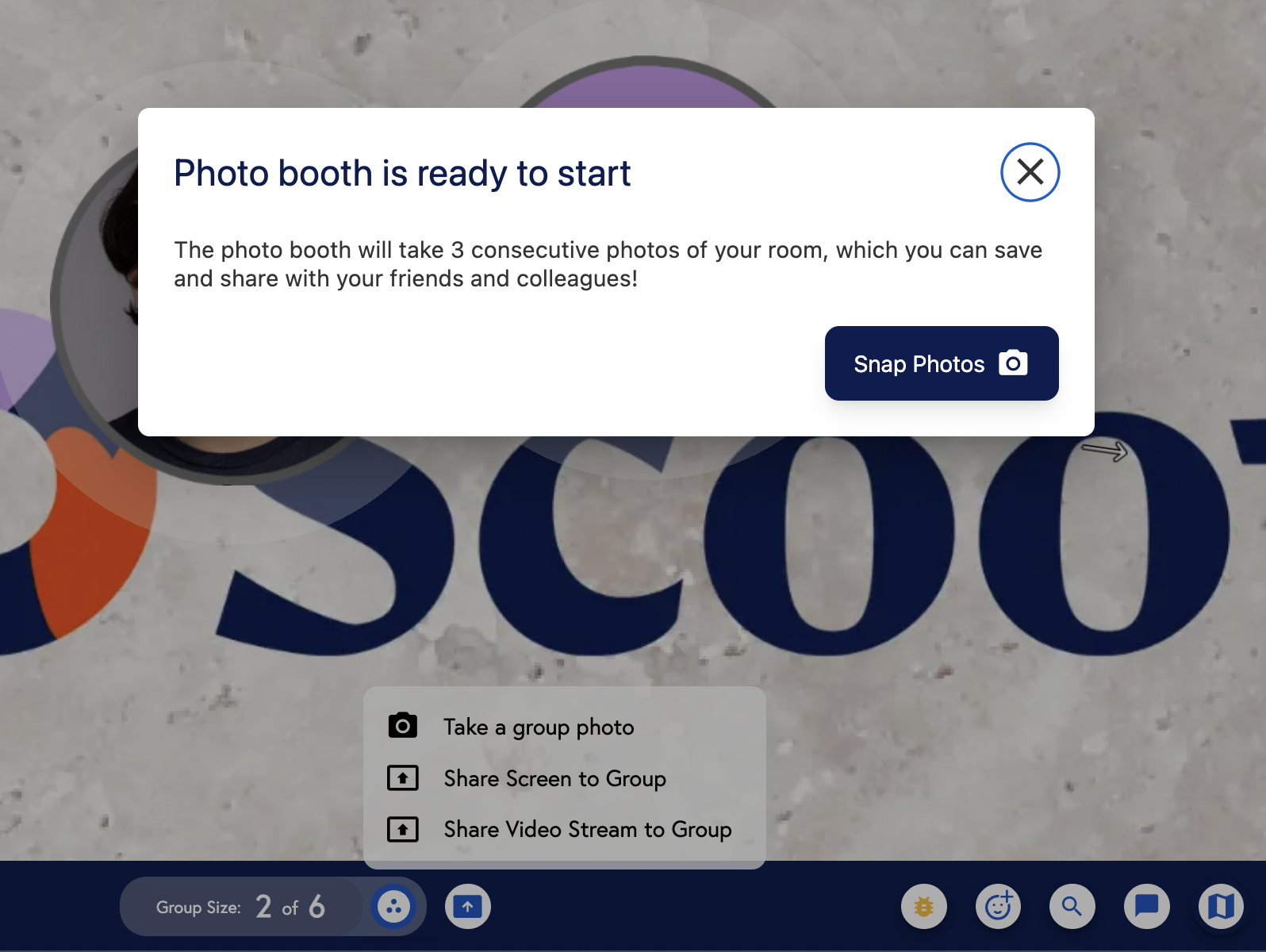
You can use the Photo Booth feature to take a shareable group photo of your audio group. The Photo Booth feature is found in the Group Activities button in the bottom-center of the screen.
While in a room, click on the ‘Group Activities’ icon on the bottom-center of your screenClick on “Take a group photo”. The Photo Booth banner will appear. By clicking on the ‘Snap Photos’ button, a sequence of three consecutive photos will be taken. There will be a countdown of 5 seconds before the first picture, followed by a 3-second countdown for the other two pictures
Once you’ve taken your photos, you can either download them or pick one to share to X, Facebook, or LinkedIn! There is also a GIF file of all three of your photos!Photos are saved with a Photo-Booth-style border at the bottom that shows you the date and name of your Room!