

Availability depends on your plan and account settings.
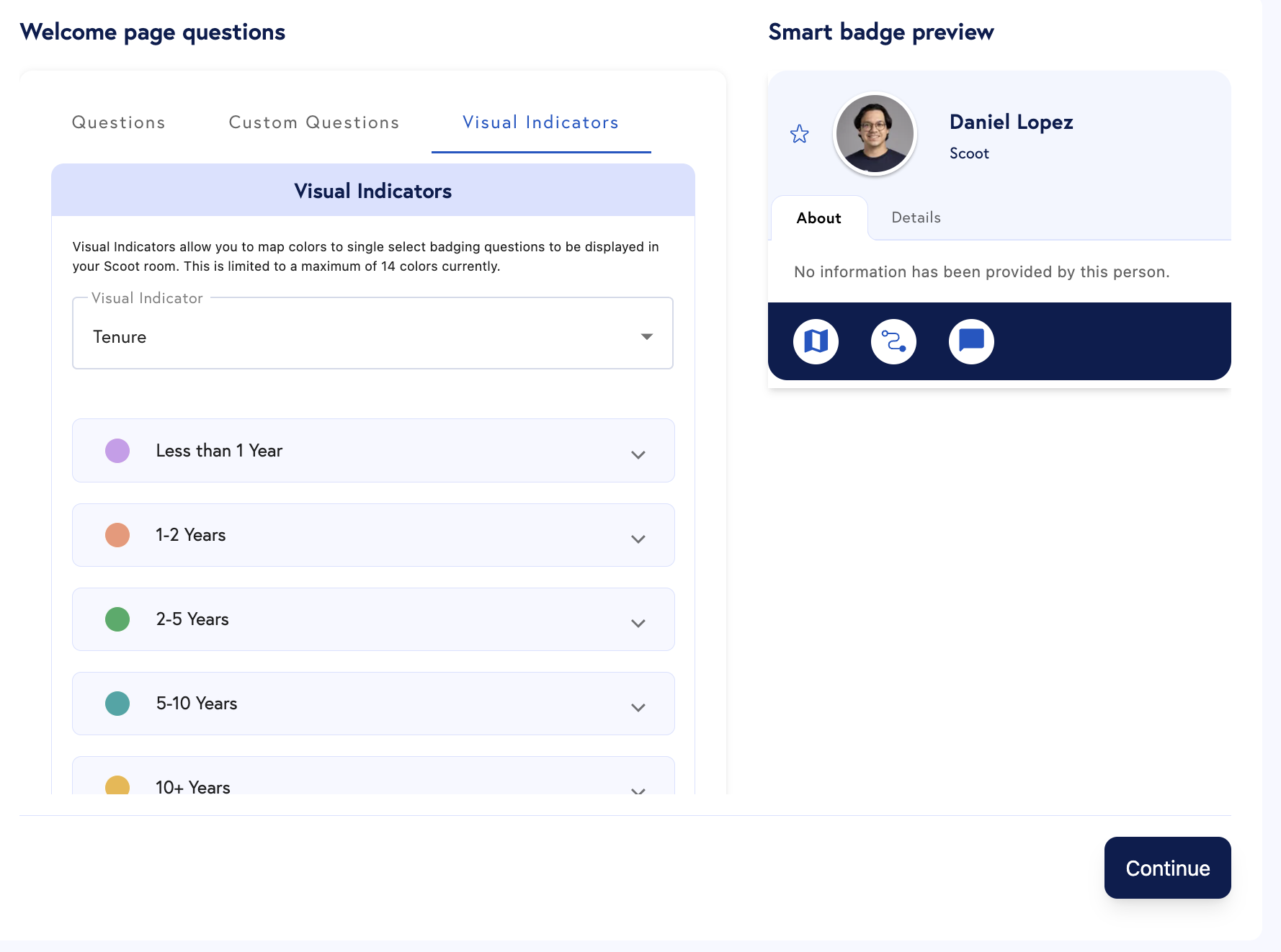
Set up visual indicators (hosts)
- Set up a Smart Badging question that participants answer when they register or enter the room. See Smart badging.
- Choose that question for visual indicators in the Visual Indicators tab of Smart Badging.
- Scoot assigns a color to each possible answer.
What participants see
When people join the room, a colored ring around each video bubble shows their answer. On the minimap, hovering over a bubble shows the person’s indicator too.Example uses
- Webinars: tell speakers and attendees apart.
- Customer and partner events: spot key accounts quickly.
- Product showcases: let people show which feature they care about most.