

- Access Your Profile: On the Scoot Home Page, click on your current profile picture or your initials located in the top-right corner.
- Go to My Settings: From the dropdown menu, select ” My Settings.” This will take you to your profile settings page.
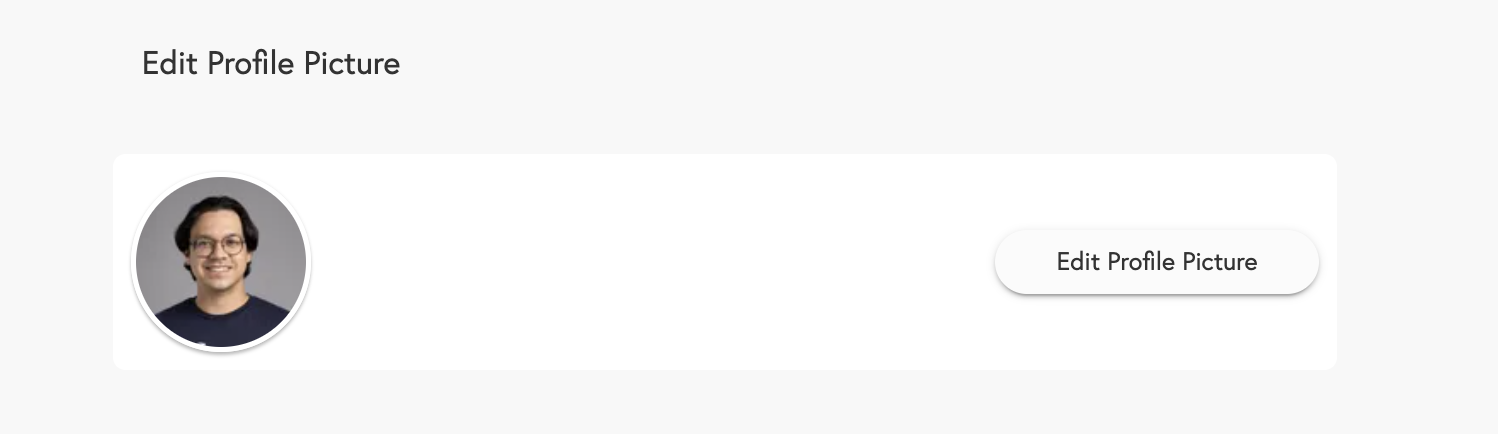
- Edit Profile Picture: You’ll see an option to ” Edit Profile Picture” on this page. Click this button.
-
Select New Image:
- A window will appear, allowing you to select a new image from your device (e.g., your computer or phone).
- Once you’ve chosen an image, you’ll have the opportunity to crop and align it to fit the profile picture area.
- Save Changes: After adjusting your picture to your liking, click ” Save.”